 ukdeals
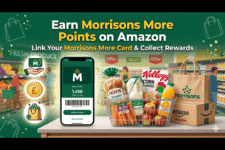
 Want to earn extra rewards while shopping for groceries online? Here’s how to earn Morrisons More Points on Amazon UK and make the most of your everyday grocery spending.
Many shoppers don’t realise that you can now link your Morrisons More card to Amazon and earn points on eligible Morrisons products purchased through Amazon.
If you regularly shop with Morrisons on Amazon, this simple trick could help you collect more rewards throughout the year.
What Are Morrisons More Points?
Morrisons More is the supermarket’s loyalty programme that lets members earn points on selected products.
These points can later be redeemed:
- On Morrisons.com
- In-store at Morrisons
- On selected grocery rewards and offers.
If you already have a Morrisons More card, it’s worth linking it to your Amazon account before placing your next grocery order.
How to Earn Morrisons More Points on Amazon UK
Step 1: Link Your Morrisons More Card to Amazon
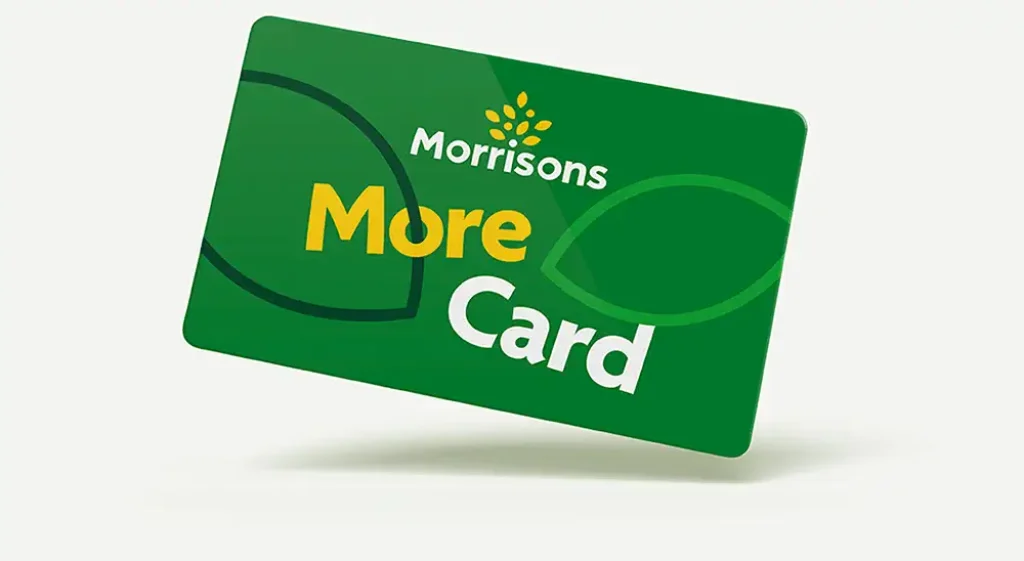
To start earning rewards, you’ll need to connect your Morrisons More account to your Amazon account.
You can:
- Link your existing Morrisons More card ID number.
- Sign up as a new Morrisons More member on Morrisons.com.
Your Morrisons More card ID number can be found:
- On the back of your physical card.
- Inside the Morrisons app by selecting “Having Trouble Scanning?”
Once linked, you’re ready to start collecting points.
Step 2: Shop Morrisons on Amazon
Morrisons on Amazon offers a wide range of products, including:
- Fresh produce
- Cupboard essentials
- Frozen food
- Household products
- Drinks and snacks
- Everyday groceries
One of the best features is that you can easily reorder items you’ve purchased previously, making grocery shopping quicker and more convenient.
Step 3: Earn Morrisons More Points Automatically
Proceed to checkout as normal.
Your Morrisons More Points on Amazon UK will be automatically applied to eligible products within your grocery order.
There’s nothing extra you need to do.
Points earned can later be redeemed:
- In-store at Morrisons
- On Morrisons.com.
How Many Morrisons More Points Can You Earn?
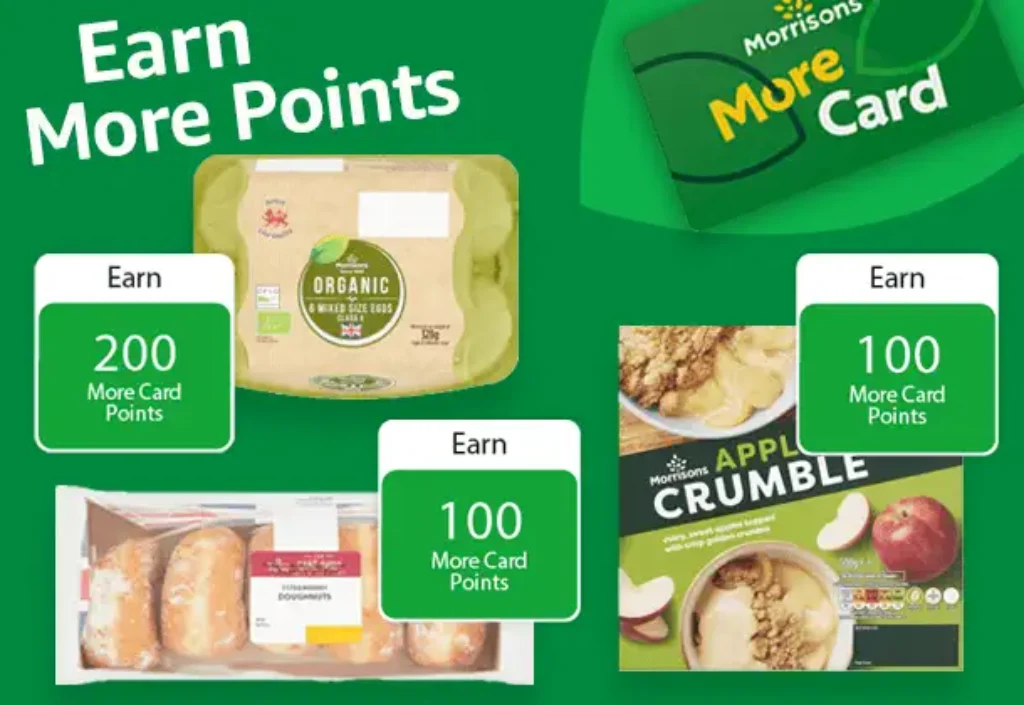
Points vary depending on the product.
Some products offer more points than others, so it’s always worth checking the product page before adding items to your basket.
If you’re trying to maximise your rewards, keep an eye out for products offering bonus points.

How Do I Keep Track of My Morrisons More Points?
Morrisons keeps track of all qualifying purchases automatically.
You can check your points balance by:
- Logging into your Morrisons More account.
- Opening the Morrisons app.
- Viewing your rewards dashboard online.
Can You Redeem Morrisons More Points on Amazon?
No.
At the time of writing, Morrisons More Points cannot be redeemed directly on Amazon.
Instead, points can be used:
- In-store at Morrisons.
- On Morrisons.com.
Do Morrisons More Points Expire?
Yes.
Unused points can expire if they are not redeemed within the applicable redemption period.
It is your responsibility to check your points balance regularly and redeem your rewards before they expire.
If your points expire, your account balance may be reset and unused points will be lost.
What Happens If I Have Problems Linking My Card?
For questions about:
- Registering your Morrisons More card on Amazon.
- Deregistering your card from Amazon.
You should contact Amazon Customer Services.
For questions regarding:
- Points earned.
- Missing points.
- Redeeming rewards.
You should contact Morrisons Customer Services.
Frequently Asked Questions
Can I earn Morrisons More Points on every Amazon order?
No. Points are only available on eligible Morrisons products sold through Amazon.
How do I sign up for Morrisons More?
You can join as a new member by visiting Morrisons.com and creating a free account.
Where can I find my Morrisons More card number?
Your individual card ID number can be found:
- On the back of your physical card.
- In the Morrisons app under “Having Trouble Scanning?”.
Is It Worth Linking Your Morrisons More Card to Amazon?
In my opinion, yes.
If you’re already shopping with Morrisons on Amazon, linking your loyalty card takes only a few minutes and gives you the opportunity to earn extra rewards on your grocery purchases.
Every little saving helps, and loyalty points can add up surprisingly quickly over time.
Final Thoughts: How to Earn Morrisons More Points on Amazon UK
Learning how to earn Morrisons More Points on Amazon UK is straightforward.
Simply:
- Link your Morrisons More card.
- Shop Morrisons products on Amazon.
- Earn points automatically on eligible items.
If you’re already using Amazon for grocery shopping, this is an easy way to collect additional rewards without changing your shopping habits.
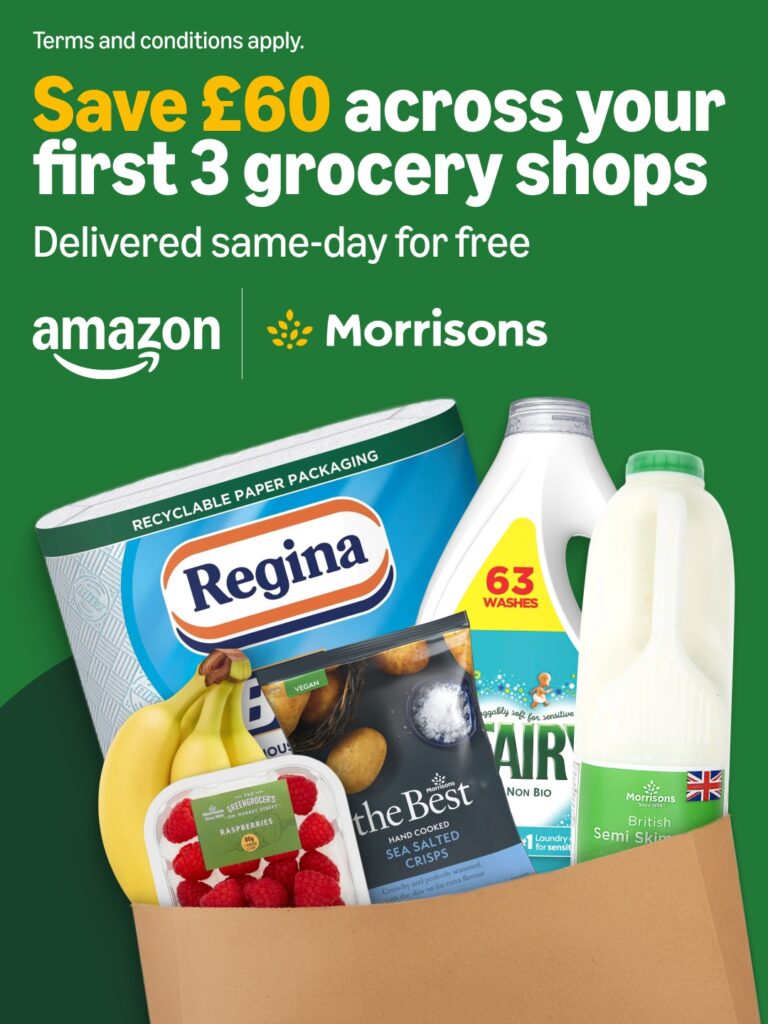
Read more: Morrisons Amazon Discount Code June 2026 – Get £20 Off First 3 Orders